Runs on anything
Bring your own screens. Anywhere you can run a web browser or an Android app can be a Panelicious display.


Manage the screens around your venue, home or public space from one place.
Runs on the displays you already have.
Manage content on your screens; whether it's a single screen at home or a fleet of thousands globally, our dashboard delivers secure, easy control from anywhere.
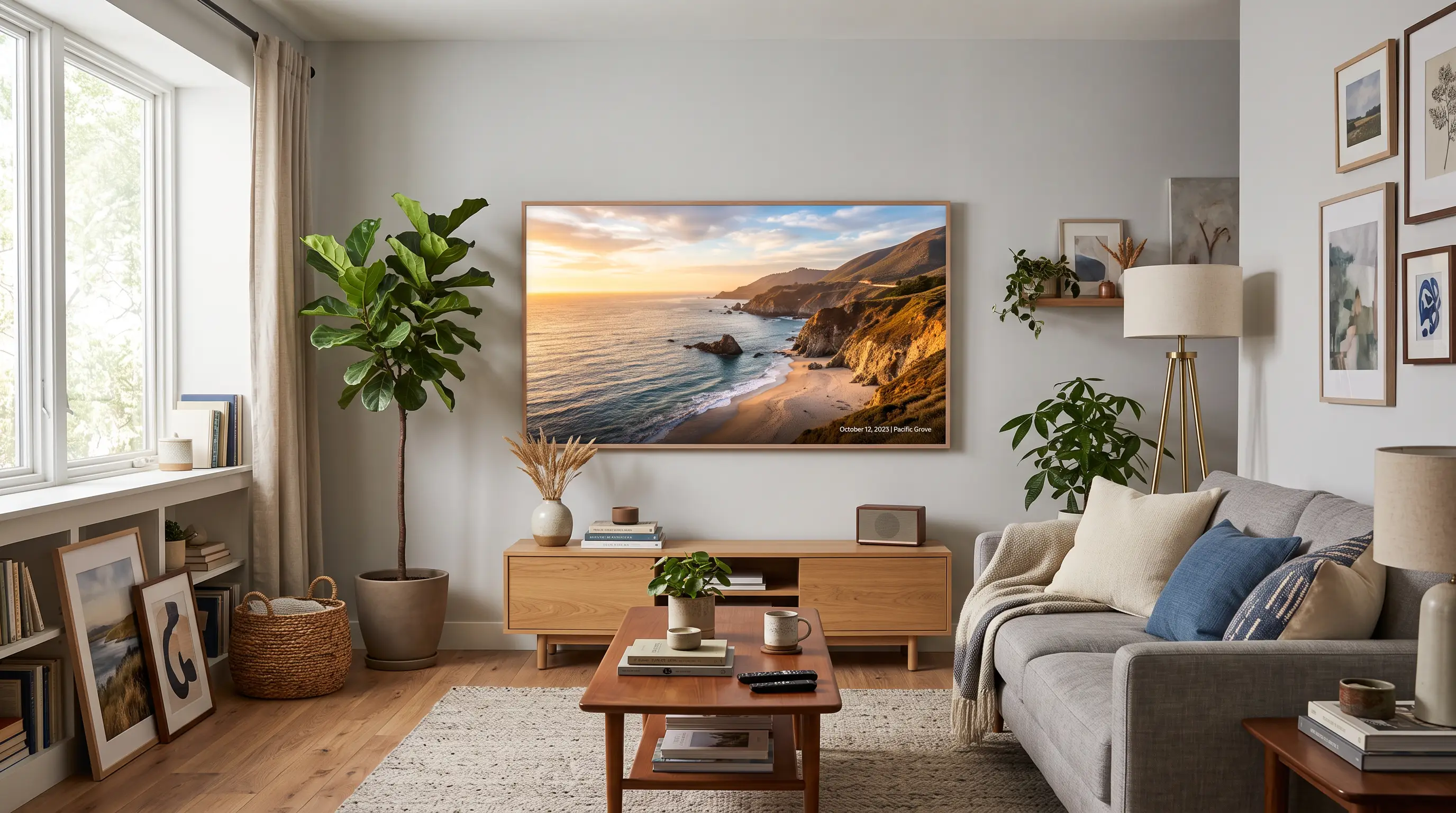


Bring your own screens. Anywhere you can run a web browser or an Android app can be a Panelicious display.
Upload content, create a playlist, set schedules and push to screens from our simple to use web dashboard.
Screens continue their playlist even if the network drops and catch up when connectivity returns. No blank screens or embarrassing error messages.
Control screens programmatically from your own systems, or connect to third-party systems such as Home Assistant.
Group screens by room, site, or country and manage schedules across timezones.
Start with a single free screen to try it, then upgrade to a flat monthly fee for production. No per-screen invoice, no hardware lock-in, and you can cancel whenever.
Wherever you want to show content.

Dashboards, photo walls and art around the house — for tinkerers who want real control, not a single-purpose photo frame.
Screens at home →
Pubs, cafés, gig venues and offices — promos, menus and storefront displays you can change in seconds from your phone.
Screens at work →
Info boards, wayfinding and notices for public spaces — kept current and readable, and still showing something if the line drops.
Public displays →Open the display URL in a full-screen browser, or install the Panelicious Display Android app from the Play Store.
Enter the displayed pairing code to add the display to your account.
Build your playlist and assign it to the display — it's now in sync. Use the dashboard to add dynamic elements, schedule content, or change content programmatically through the API.
Pair this screen
482913
Go to dashboard.panelicious.com/adopt
Waiting for pairing…

Show on this display
Playlist
Pair this screen
482913
Waiting for pairing…
Start free on Glimpse and upgrade as you grow. No per-screen meter, cancel anytime.
Every account starts on the free Glimpse plan — upgrade to any tier the moment you need more.
Get started
1 display
Personal or micro business
Billed annually (£120/yr)
Up to 4 displays
Small business
Billed annually (£450/yr)
Up to 6 displays
Business
Billed annually (£890/yr)
Up to 15 displays
Running a bigger fleet? Get in touch — there's a deal to be made.
We found we were running a lot of screens around our homes and businesses. We had fancy expensive TVs that claimed to be “frames” but got worse with every software update. We tried per-screen services but found their integrations with our service providers lacking… so we decided enough is enough, and our team started working on Panelicious. Also, once we thought of the name, we just had to launch it!
"Is that all I have to do?!"
— almost everyone, syncing their first screen.
Pair your first screen in a couple of minutes.